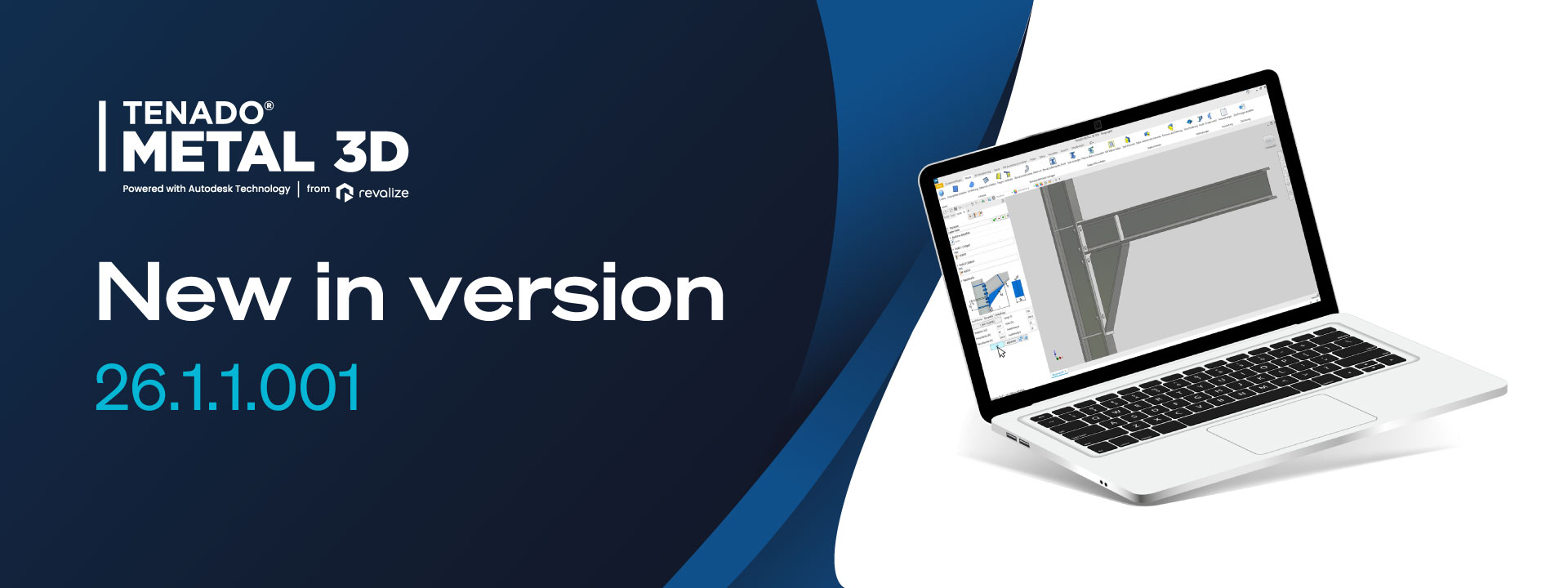
Version 26.1.1.001 offers a range of innovations that are both technically advanced and highly practical for your daily work. With the new features, you can work even more efficiently and with higher precision, all with less effort.
The new stiffening rib generator allows you to quickly and easily reinforce I-beams and U-beams. The ribs can be used as full plates, partial plates, or diagonal braces (triangular). This provides maximum flexibility in selecting the right reinforcement. With the option to create the ribs on one side or both sides, and the ability to define welding gaps if desired, you can tailor your beams to the specific requirements of your project. This feature not only saves time but also increases the precision and stability of your constructions. Thanks to individually adjustable corner treatments (beveled or rounded), the stiffening ribs fit perfectly onto the beams, ensuring a stable connection.
With the new Haunch connection function, you can now stiffen frame corners on I-beams even faster. This function combines Haunch connections, end plates, and optional stiffening ribs in a single step. Both the Haunch connections length and height are fully adjustable, so you can work exactly to your project’s requirements. Additionally, the automatic angle adjustment ensures you no longer need to make manual calculations. With the ability to integrate up to five rows of screws, you get a stable and durable connection. This function accelerates assembly and optimizes the entire manufacturing process.
The new notching function is especially valuable for steel frame construction, particularly when connecting ceiling beams to supports. This feature enables you to create notches in I-beams according to DSTV standards or freely definable. Whether on one side or both sides, the notch can be flexibly adjusted, and corner treatments (beveled or rounded) are also possible. The new dynamic preview is particularly useful, allowing you to visualize the final result in real time, enabling early error detection and correction. This feature not only saves time but also increases precision and flexibility in creating connections and joints.
In addition to these innovative features, the update also brings significant improvements to the CAD core:
Version 26.1.1.001 of TENADO METAL 3D provides you with everything you need for more efficient, precise, and faster construction work. With new generators for stiffening ribs, the Voute function, and the notching function, you can make your beams and connections more flexible and stable. The improvements to the CAD core ensure even better performance and a more user-friendly experience. Thanks to these optimized workflows, you can complete your projects in less time with greater precision—a real advantage for any construction project.