Fully-Integrated Lighting Calculation Tool for Autodesk® Revit®

Integrated lighting analysis for Revit that brings accurate calculations, visualizations, and real-time insights directly into your BIM workflow.

What is ElumTools?

ElumTools® is a powerful and user-friendly lighting analysis software that is fully integrated into Autodesk Revit. It’s specifically designed for lighting professionals who work within the Building Information Modeling (BIM) environment of Revit, allowing them to perform accurate lighting calculations and visualizations directly within their design models.
Explore How LAI Empowers Lighting Professionals

Seamless Revit Integration with ElumTools

ElumTools brings the proven AGi32 calculation engine directly into Autodesk Revit, enabling seamless lighting analysis inside their BIM models. This integration eliminates the need for exporting data to external tools, saving time and ensuring designs remain accurate and synchronized so you can focus on creating optimal lighting solutions.

Accurate Radiosity Calculations in BIM

Achieve realistic and reliable lighting predictions with ElumTools’ advanced radiosity engine that lets you calculate illuminance, luminance, and daylighting directly within Autodesk Revit environments. This industry- standard method provides a true representation of light distribution in interior spaces empowering designers and engineers with reliable data to validate code compliance, optimize energy use, and ensure visual comfort all within their BIM workflow.
A multi-story hotel building at night with illuminated rooms, enhanced by illuminating engineering software, and a sign reading THE Hotel on the front facade.

Tutorial Training

Learn AGi32 and ElumTools software in our live online trainings with industry specialists! LAI’s training is personal and interactive with smaller class sizes. The online sessions utilize Zoom with a live instructor; offered at a variety of days/times over 2 – 4 sessions.
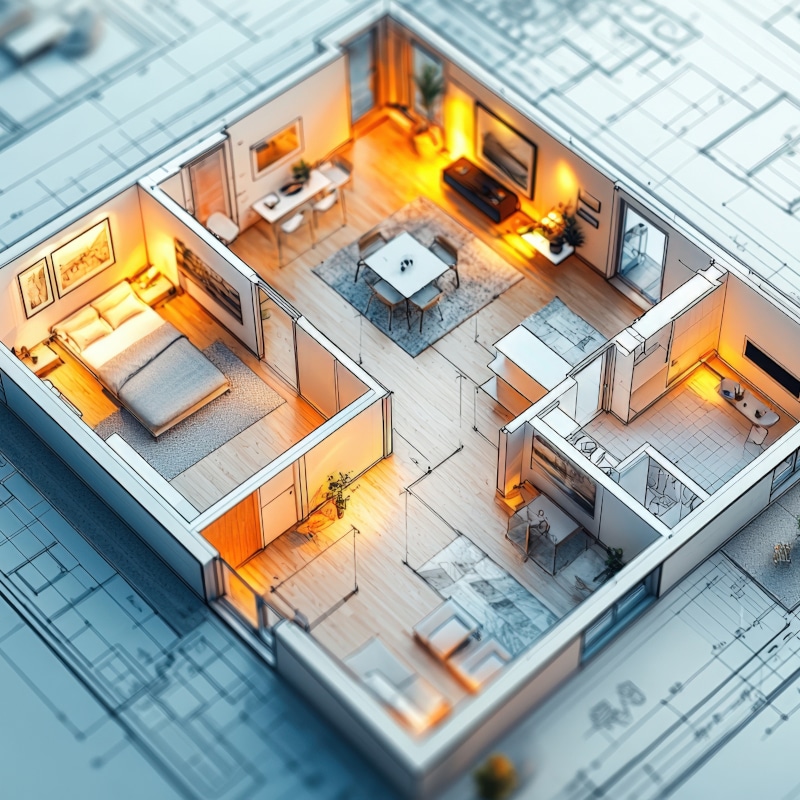
A 3D model of a modern apartment layout with bedroom, living room, kitchen, and bathroom, set on architectural blueprints and enhanced by warm lighting using Illuminating Engineering Software.

Dynamic Lighting Performance and Visualization

ElumTools generates rich visual outputs including renderings, color-coded analysis views, and detailed reports. It allows you to focus precisely on the areas that matter most and visualize the results directly within your Revit views to provide immediate insights into your design. This includes pseudocolor analysis, isolines, and spatial maps that let you easily communicate lighting performance to clients and project stakeholders clearly and turn technical calculations into actionable design insights.

Efficiency Through Automation

ElumTools leverages Revit’s native families and room definitions to automate lighting calculation setup, reducing repetitive tasks and shortening project timelines. Spend less time on manual data preparation and more time focused on design excellence.
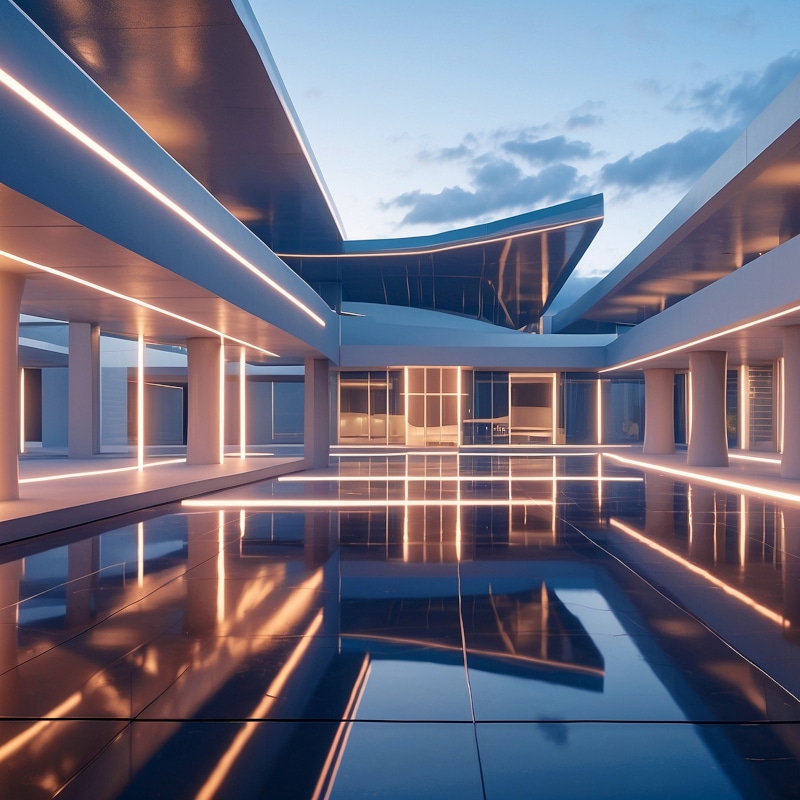
Modern architectural courtyard at dusk with reflective flooring, illuminated linear lights designed using Illuminating Engineering Software, and geometric structures under a partly cloudy sky.

Intelligent Layout Assistant

ElumTools’ Layout Assistant transforms fixture placement into an intuitive, guided experience. Simply specify your target light levels, and the Layout Assistant instantly generates multiple layout options with fixture quantities and positioning suggestions. Review each proposed layout, select the approach that fits your design intent, and ElumTools calculates precise illumination values before seamlessly exporting fixture positions into your Revit model. This intelligent workflow eliminates hours of trial-and-error, letting you move confidently from concept to accurate lighting design.
ElumTools is a powerful and convenient tool for lighting professionals using Autodesk Revit. Its seamless integration, accurate calculation engine, and interactive visualizations make it an invaluable tool for designing and analyzing lighting systems within a BIM workflow.  

Questions? Need Assistance?