
3D CAD Metal Construction: Expert Interview

3D planning in metal construction: stability, parametrics & point clouds with TENADO METAL 3D.
A Must for the Trades: Digital Design with 3D CAD

Why 3D CAD is now essential: lower costs, fewer errors, clearer decisions, faster reviews.
Revalize Partner Program for Growth

Unlock growth with the Revalize Partner Program—tiered benefits, enablement, and cross-sell opportunities.
TENADO METAL 3D 26.1.1.001: Fast, Precise Design

New features in TENADO METAL 3D 26.1.1.001 for faster, precise and efficient steel design.
TENADO PROTECT 26 – The new update for maximum performance
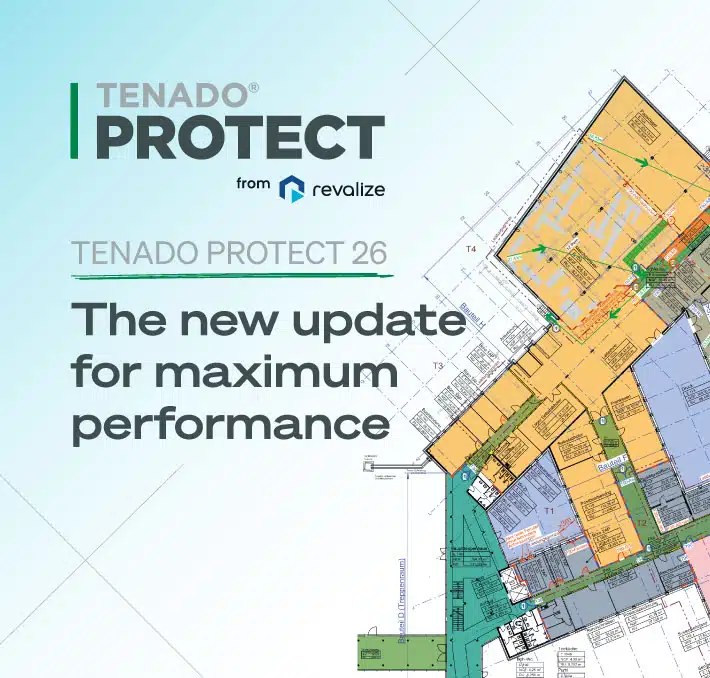
The new TENADO PROTECT 26 impresses with 64-bit power, higher performance, and precise fire protection planning.
Professional and precise: sheetmetal processing in TENADO METAL 3D
Discover everything the new sheet metal processing tool in TENADO METALL 3D can do. Metalworkers use various methods in TENADO METALL 3D to create their sheet metal parts. In addition to practical templates for sheet metal components, in which the material thickness, bending radius, and corner relief are specified, individual variants can also be created.
New for TENADO METAL 3D: Screw connection generator and more

Discover the highlights of the new TENADO METAL 3D update: the screw connection generator and “Fill with bars” function. The screw connection generator allows components to be connected quickly and automatically. With the new “Fill with bars” function, users can automatically place profile bars in defined contours. This allows users to design faster and more efficiently.
Escape and Rescue Plan can Save Lives

Master the art of crafting an escape rescue plan. Ensure safety in your building while saving money in the process.
Why Referenced Work with TENADO PROTECT is Essential

Discover the advantages of referenced work in TENADO PROTECT. Save time with automatic updates for building plans.