Getting Started with Revalize CAD
Receive your license key
When you register, you will receive your Revalize CAD license key via email or through our Service Center.
Install the software
To install the software, download the installer from the official website, run the setup file, follow the on-screen instructions, and complete the installation process.
Begin using Revalize CAD
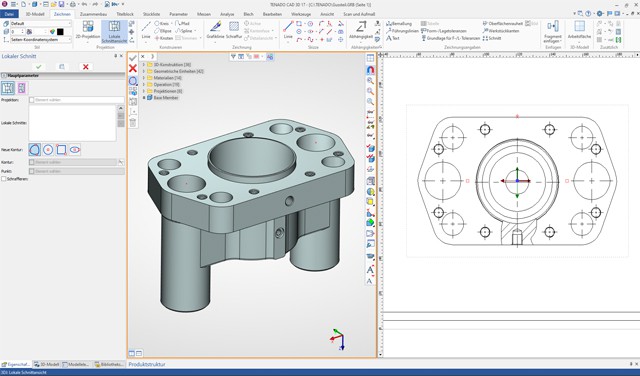
Start exploring the user-friendly interface of Revalize CAD. The intuitive design makes it easy to begin your CAD projects right away.
Opt for onboarding service (optional)
If you need additional guidance, request our special paid onboarding service for a more comprehensive introduction to the software and its features.